Global and per job setup
Define default screening instructions once, then override them for each active role when a job needs different guidance.

Hiro:Voice
Hiro:Voice brings screening setup, templates, sessions, and status tracking into one workflow so recruiters can monitor what happened and decide what comes next.
After Hiro:Reach collects interest and contact details, Hiro:Voice runs structured screening calls in Arabic and English. Set global defaults, tailor guidance per job, reuse templates, and review every session before your team decides who moves forward.
Define default screening instructions once, then override them for each active role when a job needs different guidance.
Run voice screening in the language your candidates expect, with templates that carry language, voice, and field settings.
Every session is tracked, including completed, in progress, failed, or no answer, so your team reviews context before the next hiring step.
Open Setup to define global screening instructions and customize guidance for each active role. Hiro:Voice applies the right context automatically unless a specific call overrides it.
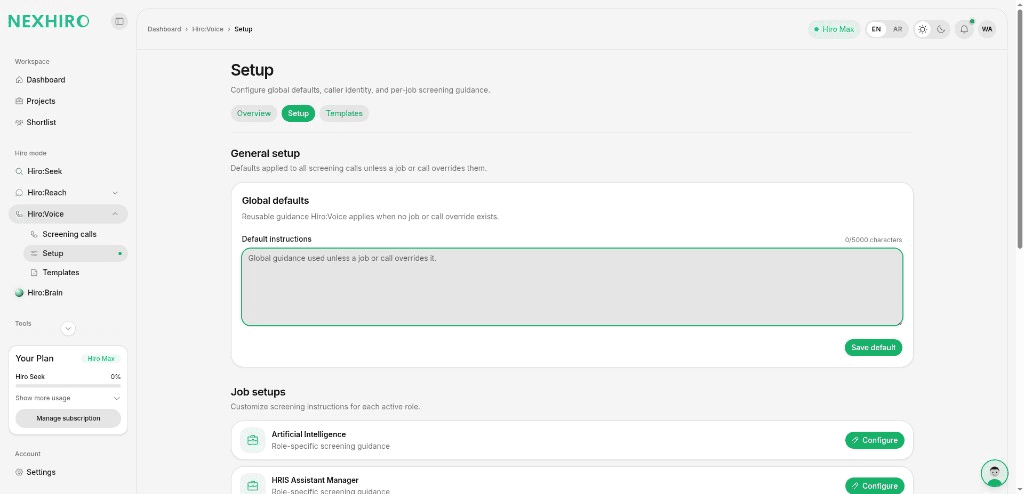
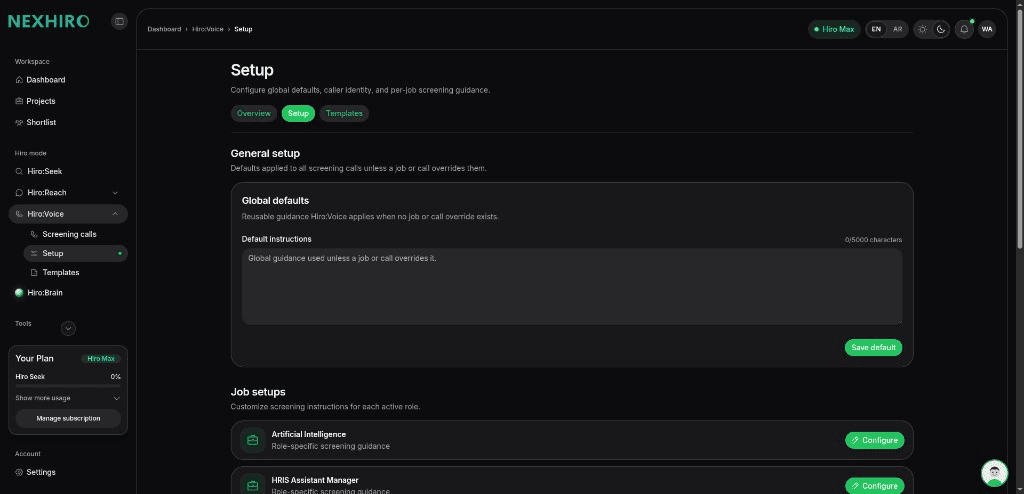
Create templates with language, voice, and field settings. Filter by job, edit what you need, and keep every screening call consistent across your team.
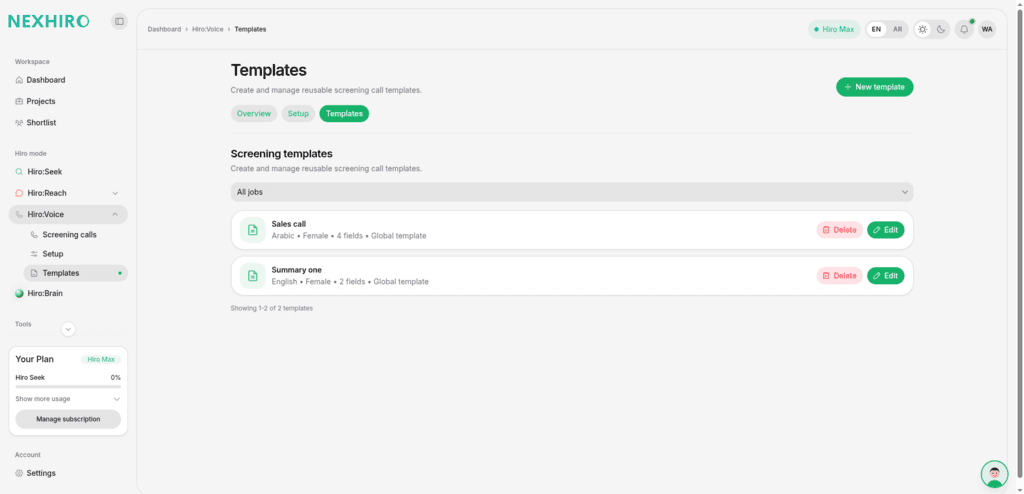
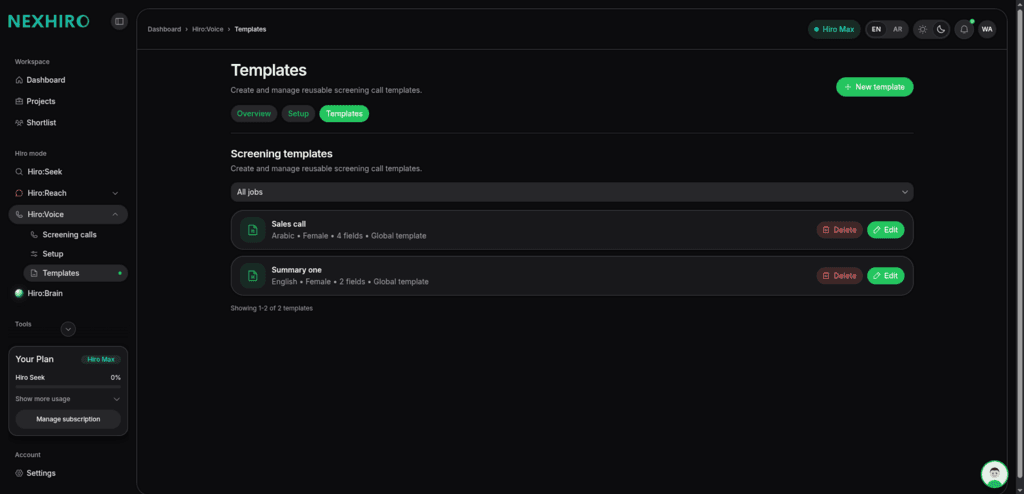
Start calls from the screening workflow and monitor totals, completions, in progress sessions, failures, and no answer outcomes from one view.
Open a completed call to read the transcript, listen to the recording, and review Hiro's structured summary with strengths, concerns, and a hiring recommendation.
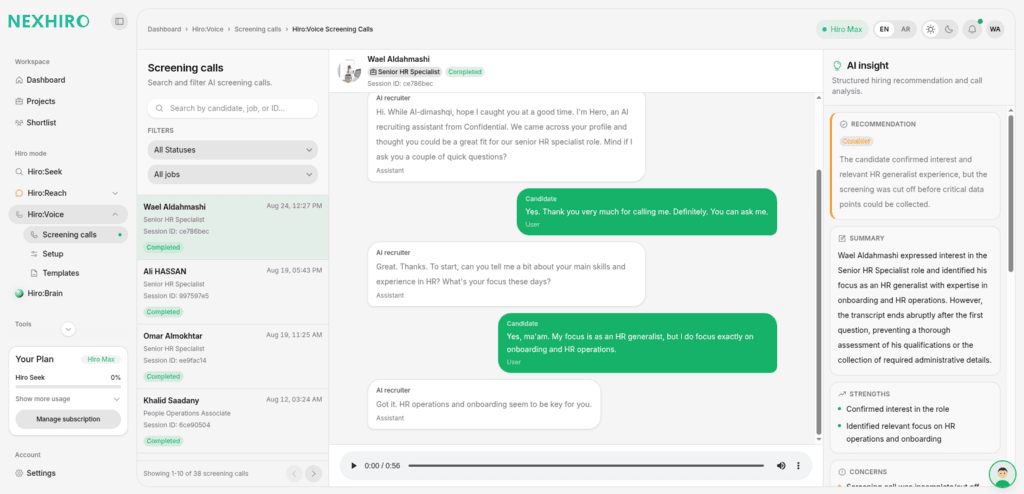
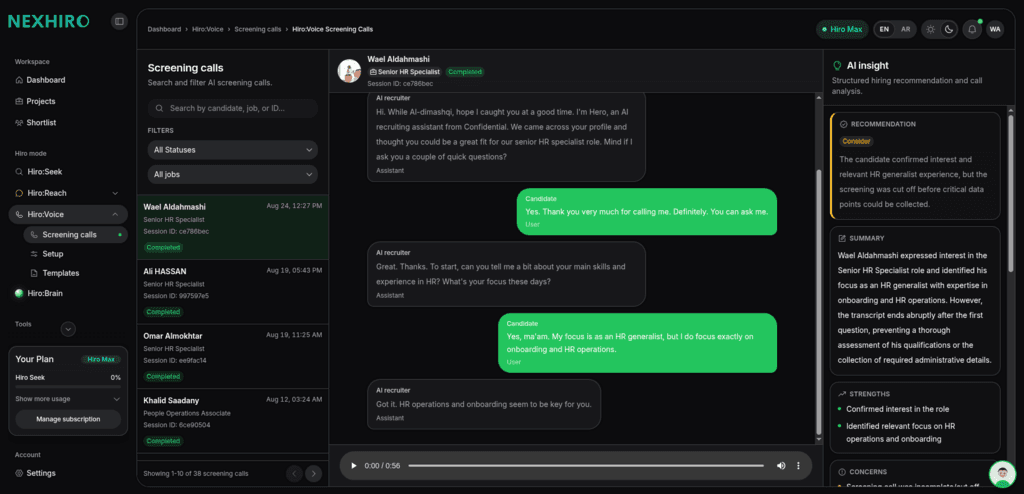
Sample screening call
Tap to hear Hiro:Voice
Hiro:Voice structures the call and records its outcome. Recruiters remain responsible for interpretation, follow up, and progression decisions.
Available in NexHiro.